How to Redeem Animal Daycare Codes
A ready-to-use checklist for the day a real code finally appears.
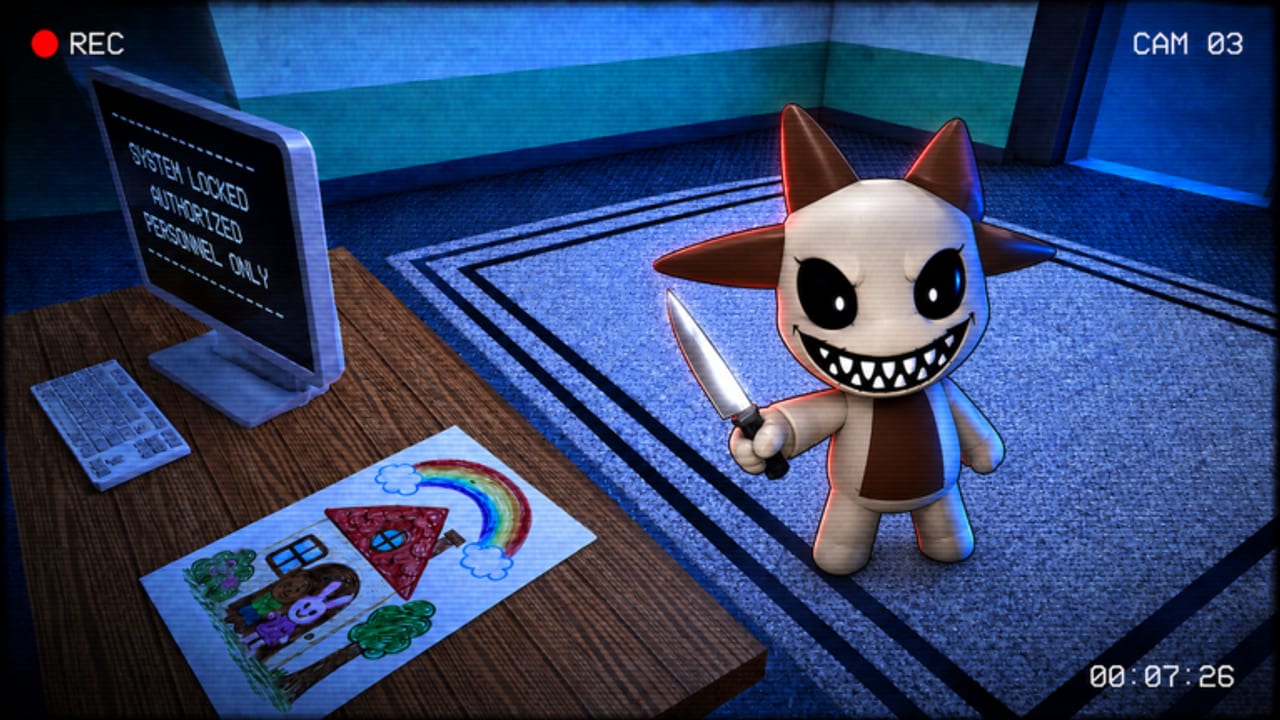
Animal Daycare (Anomaly) does not currently have a widely confirmed public code list, but redemption habits are worth learning before the first real drop. This page is the practical companion to the Codes Hub: where to look, how to redeem safely, and how to report failures without falling for scams.
Reality check first
Until Day Dreams Games ships a verified code and an in-client redeem path, treat every “free code” claim as unverified. Do not install random executors “just to redeem,” and do not type codes into third-party websites. If you are still learning the daycare loop, spend that time on Getting Started instead.
Where redemption usually lives on Roblox anomaly games
When codes exist, players typically find one of these patterns:
- A Codes or Redeem button on the main HUD or pause/settings menu
- A billboard / NPC kiosk near the lobby or staff desk
- A group rewards panel tied to the developer community
- A temporary event UI after a patch that also changes nighttime events or visitor pools
Because Animal Daycare is still young (released 2026-08-14), the UI can move. After every client update, skim Patch Notes and re-check the lobby for new buttons before assuming codes still do not exist.
Step-by-step redeem checklist (when a UI appears)
Use this exact order so you do not waste limited codes:
- Launch Animal Daycare (Anomaly) from the official Roblox place — not a lookalike copy.
- Join a stable server (or solo session) so UI lag does not eat the claim.
- Open the suspected Codes / Redeem / Shop / Settings panel.
- Type the code carefully. Codes are often case-sensitive; avoid extra spaces.
- Confirm the claim and wait for an on-screen reward toast.
- Soft rejoin once if the toast is missing but the code was accepted.
- Record the code, reward, date, and whether it still works — then compare with the Codes Hub.
Where to look for legitimate drops
Prioritize sources in this order:
- Official Roblox experience description updates for place
124061247871628 - Day Dreams Games group shout / community posts
- In-game patch banners and lobby posters
- Creator videos that show the redeem UI live on camera (not a text overlay alone)
- This wiki’s Codes Hub after we can reproduce the claim
Skip password farms, “code generators,” Discord DMs selling packs, and any page that asks you to log in outside Roblox.
Failure messages and what they usually mean
| Symptom | Likely meaning | What to do |
|---|---|---|
| Invalid / wrong code | Typo, fake list, or wrong game | Recheck spelling; confirm it is for Animal Daycare, not Animal Hospital |
| Already redeemed | Account already claimed it | Stop retrying; note it as used |
| Expired | Timed drop ended | Move it to expired mentally; wait for the next event |
| No redeem UI | Feature not live yet | Keep playing; watch Updates |
| Rewards missing | Latency or inventory sync | Soft rejoin once, then verify inventory |
Co-op and solo notes
Codes, when they exist, are almost always account-bound, not server-bound. In a 25-player lobby you do not need to race teammates for the same string. Solo players should still redeem on a low-lag session so the UI does not freeze mid-claim. For role focus while you wait, see Solo Strategies and Co-op Roles.
Progression while you wait
Redeemable gifts are a bonus. The durable skill set is:
- Visitor inspection and reject discipline — How to Spot Impostors
- Feeding, calming, and mini-games — How to Care for Children
- Night event composure — How to Survive Night
- Camera habits and UI fluency — Controls and the Impostor Checklist
Script and exploit warning
Any “auto redeem script,” inventory duplicator, or free-currency executor advertised for Animal Daycare is a red flag. New anomaly games rarely have stable dedicated scripts, and executors can cost the account. Read the Scripts Hub before you touch third-party tools.
Maintain your own mini log
Keep a simple note on your device:
- Code string
- Source URL or post date
- Reward claimed
- Working / failed / expired
- Game version or approximate patch day
That log helps you ignore recycled fakes and helps this wiki stay accurate when you share verified results through normal community channels.
Related pages
- Codes Hub — live status (currently no confirmed codes)
- Updates Hub — patch cadence to watch
- Guides Hub — skill progression that does not depend on codes
- Players: Solo Guide — efficient sessions without FOMO
Frequently Asked Questions
Quick answers to the most common questions.
Can I redeem Animal Daycare codes right now?
There are no confirmed public codes and no widely documented redemption flow yet. Use this checklist when a real UI and code appear.
Do I need a script to redeem codes?
No. Legitimate Roblox codes redeem in official UI. Scripts that promise auto-redeem are unsafe — see the Scripts Hub.
Why did a code from another site fail?
It may be fake, expired, mistyped, or meant for a different game such as Animal Hospital (Anomaly).
Are codes shared across the whole server?
On Roblox, promo codes are typically per account. Teammates each redeem on their own client.
What should I do after a patch?
Re-check the lobby for a new redeem button, skim Patch Notes, then return to the Codes Hub.